
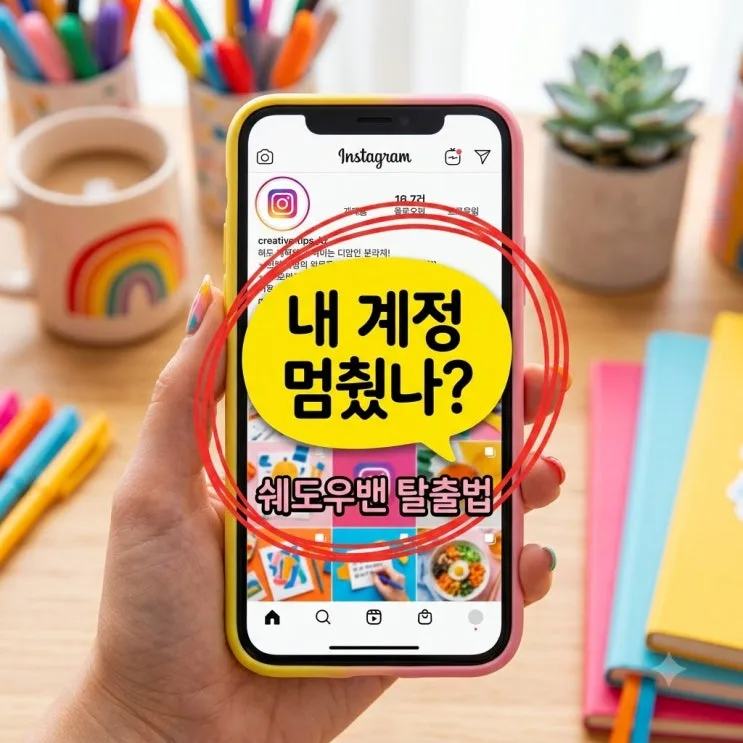
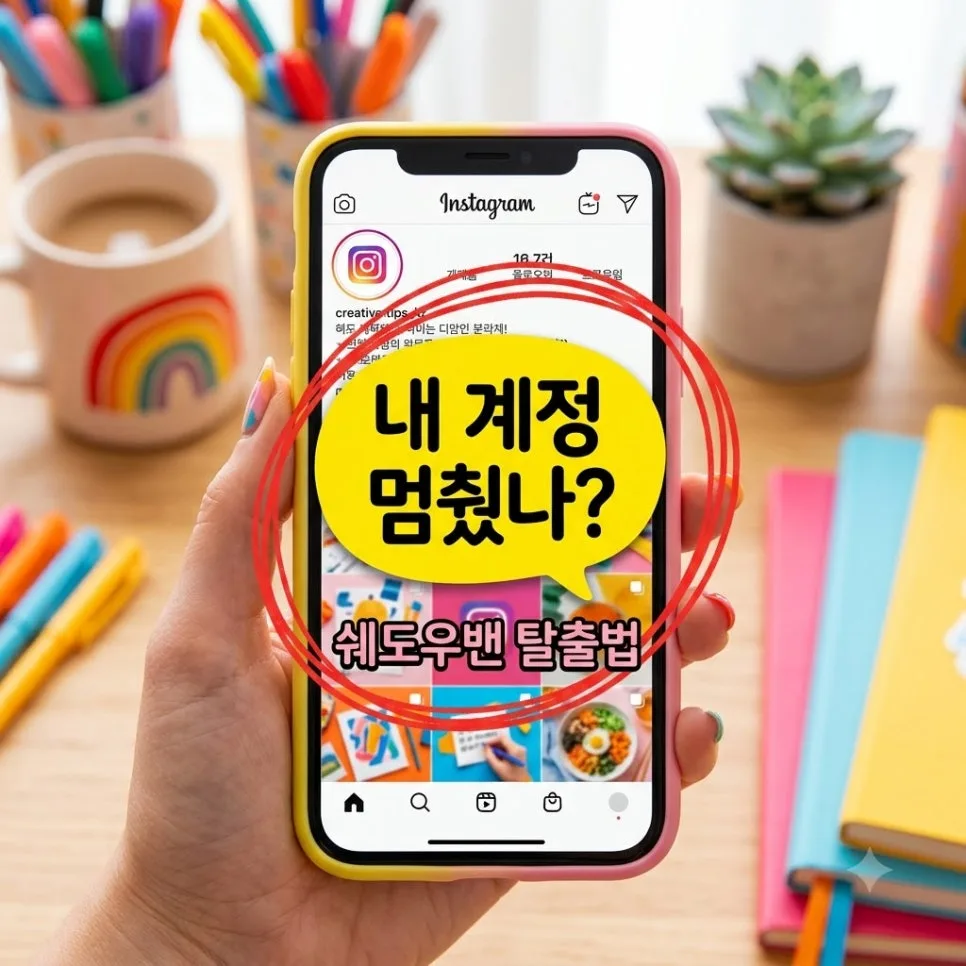
Did your views suddenly fall off a cliff? Here’s the quick breakdown of an Instagram shadowban.
You posted a feed update or Reel like usual,
but your likes and comments dropped sharply,
your reach is down, and something clearly feels off.
If that sounds familiar, there’s a good chance
the Instagram algorithm is quietly limiting
your account visibility through anInstagram shadowban.
Since Instagram usually doesn’t show a clear warning pop-up,
a lot of people end up frustrated and confused.
But if you identify the cause and respond the right way,
most accounts can recoverwithin 14 days.
Instagram Shadowban Symptoms and Causes at a Glance
To help you check your account status quickly,
here’s a simple comparison of the main symptoms and causes.
|
Category |
Main symptom |
Cause and fix |
|
Hashtags not showing |
Your post doesn’t appear in hashtag search results |
Repeated use of banned hashtags |
|
Reach drops fast |
Less than 1% of impressions come from non-followers |
Abuse tools, automation, or spam activity |
|
Account status warning |
Marked as ineligible for recommendations |
Content that violates the guidelines |
If two or more items in the chart above apply to your account,
it’s best to take action right away.
Is My Account Shadowbanned? How to Check in 10 Seconds
The first thing you should do
is check Instagram’s Account Status section
directly inside the app.
Open the menu in the top-right corner of your profile,
go to Settings and Privacy,
and tap Account Status.
If you see a yellow or red warning saying
your content can’t be recommended,
your algorithmic reach is likely being restricted.
You can also log into a secondary account,
add a rare, low-competition hashtag,
and check whether your post appears under the Latest tab.
Common Mistakes That Trigger an Instagram Shadowban
Most shadowbans start with
a violation of Instagram’s Community Guidelines.
The first major cause is using external macros or
follower growth toolsto
artificially grow your account.
The second is repeatedly
copying and pasting the same hashtagson every post,
or using banned Instagram hashtags.
The last common trigger is
leaving a huge number of likes and comments in a short period,
which can make your activity look like Bot behavior.
4-Step Action Plan to Recover From an Instagram Shadowban
If you’ve confirmed an Instagram shadowban,
stop all abusive or spammy activity immediately.
Step 1: Disconnect any linked automation tools and
revoke access for third-party apps.Do that first.
Step 2: Remove
suspicious edited hashtags or posts
starting with your most recent feed content.Clean those up.
Step 3: For at least 48 hours,
stop posting and stop leaving comments,
and give your accounta short rest period.
Step 4: Report the issue through Instagram support
and explain that you’re a legitimate user.
How to Prevent Another Shadowban After Recovery
Even after your account returns to normal,
you still need to manage it carefully.
Choose
5 to 10 relevant hashtagsthat actually match your content,
and rotate them each time instead of reusing the same set.
Avoid aggressive follow-for-follow tactics
or empty, repetitive comments,
and focus ongenuine engagement.
Keep checking your account status regularly,
and follow the platform guidelines.
That’s the most reliable way to grow safely for the long term.
Frequently Asked Questions
Q. How long does a shadowban usually last?
If it’s a relatively minor warning,
it often clears up naturally within
3 to 14 days.
But if the violation is more serious,
it can last for over a month.
Q. Will switching from a business account to a personal account remove it?
Simply changing your account type
will not automatically lift the restriction.
The best fix is to remove the violating elements first
and give the accountenough downtime.
That’s the safest approach.
Q. How do I contact Instagram support?
In the app’s Settings menu, go to the Help tab
and tap Report a Problem.
Attach screenshots,
and explain in English or Korean
that you followed the guidelines when you submit your report.
#instagramshadowban #checkinstagramshadowban #instagramreachdrop #instagramreach #instagramerror #instagramaccountrecovery #instagramalgorithm